Inspire
Blocks, like the first tab — Code.org and Scratch, with projects they'll want to show you.
Home / Playground
Three tabs, one for each level. Everything below runs in the browser, with no installation or sign-up required. Let your child explore at their own pace.
The Python tab runs a small subset of Python — loops, conditions, variables, arithmetic and turtle graphics — so it works offline with nothing to install. Real classes use the full language.
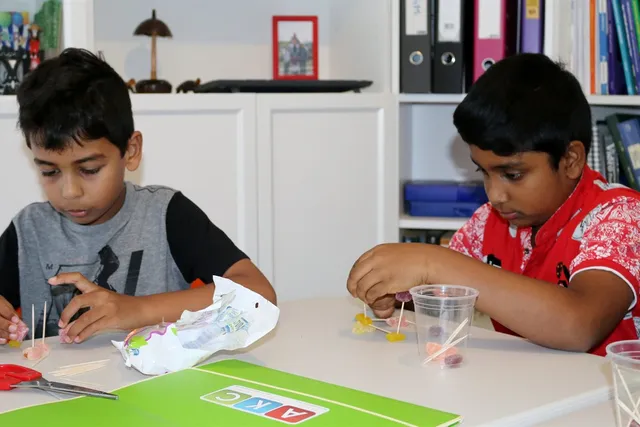
This is a hands-on activity we often run at open days. It is designed to teach computational thinking without a computer: plan, build, test and improve.
Your plan
20:00
Each tab is a taste of a term's work. The levels go far past what fits in a browser tab.
Blocks, like the first tab — Code.org and Scratch, with projects they'll want to show you.
Real code in a real editor — Python fundamentals, web pages and apps that open on a phone.
Problems worth solving — advanced Python, data science, generative AI, cyber security, robotics.